TL;DR:
- In 2025, teams need smarter, faster, and more connected tools, without relying on developers for every integration.
- Orchestrate data, automate workflows, and optimize support across every business system with native integrations.
Below is your ultimate guide to the best no-code integrations empowering modern teams.
Universal & core integrations
Web search & Web scraping
Let your AI assistant research trends, verify facts, or pull prices on demand:
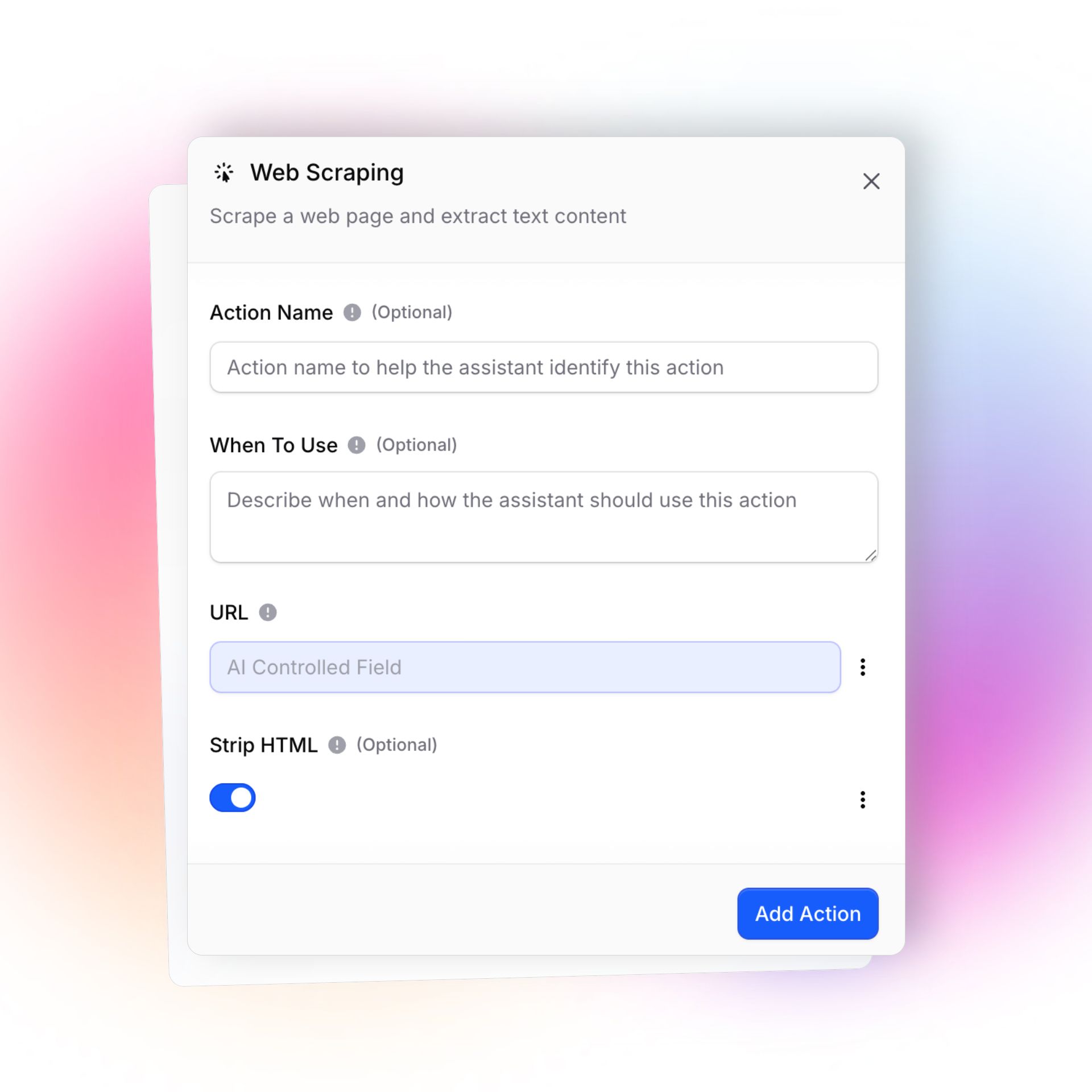
- Web Scraping: Extract structured content from web pages to use in support, research, or reporting.
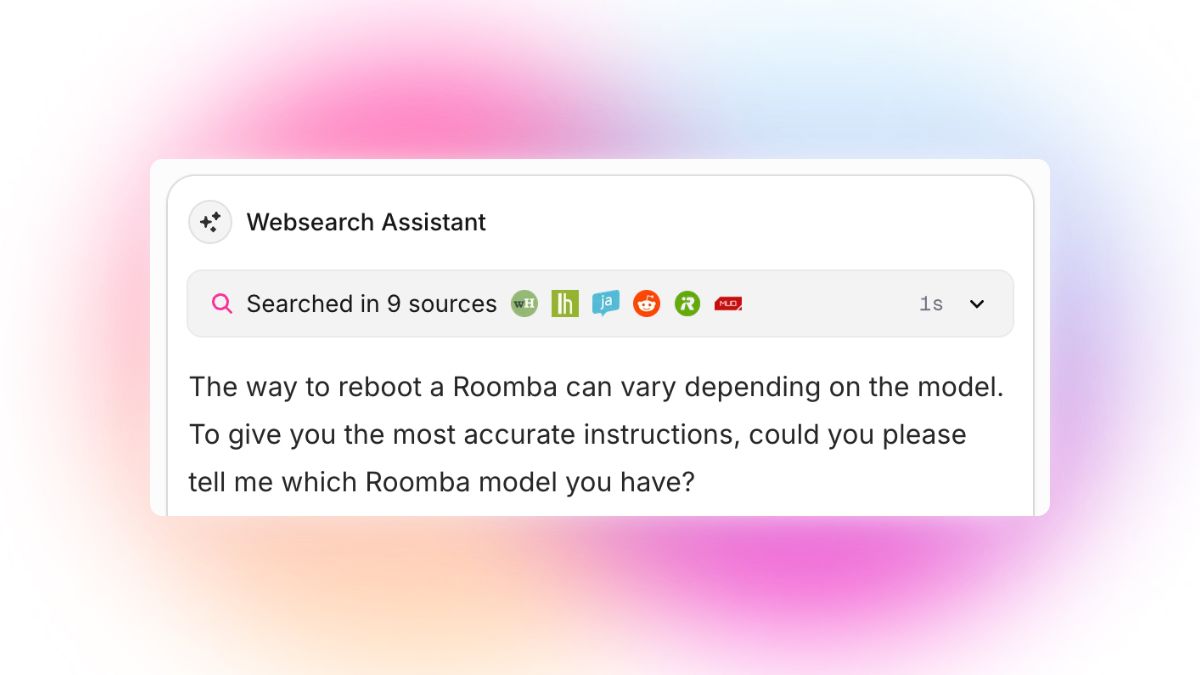
- Web Search: Fetch real-time web results from search engines for instant “live” answers during conversations.
Spreadsheet Integrations (Google Sheets)
Powerful for tracking, reporting, or using Sheets as your team’s flexible internal database:
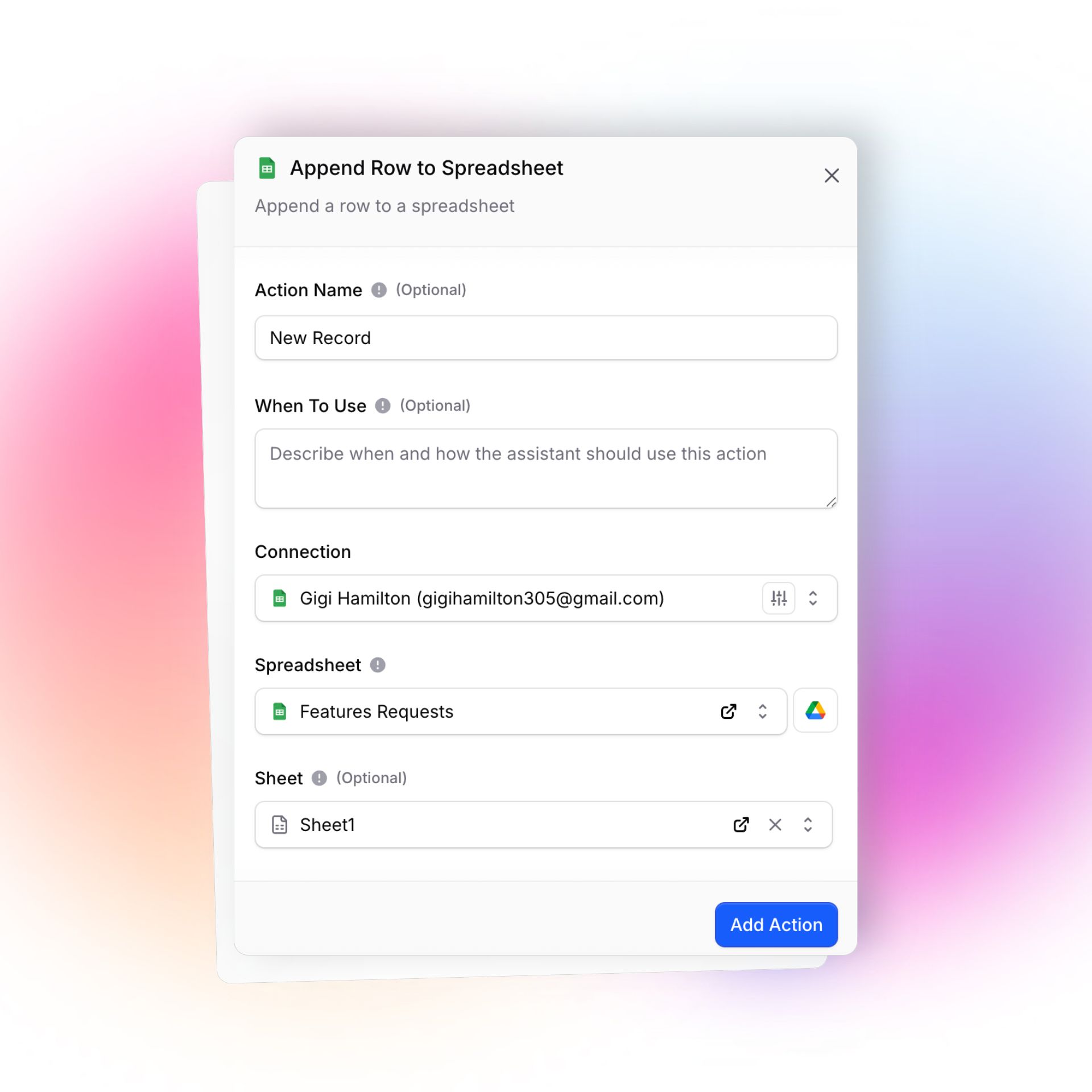
- Append Row: Add transactional data, logs, or survey entries straight from chat or automation flows.
- Search Data: Instantly retrieve customer/order info, project status, or support history by searching within your spreadsheets.
Calendar Integrations
Supported: Google Calendar, Cal.com, Calendly, GoHighLevel
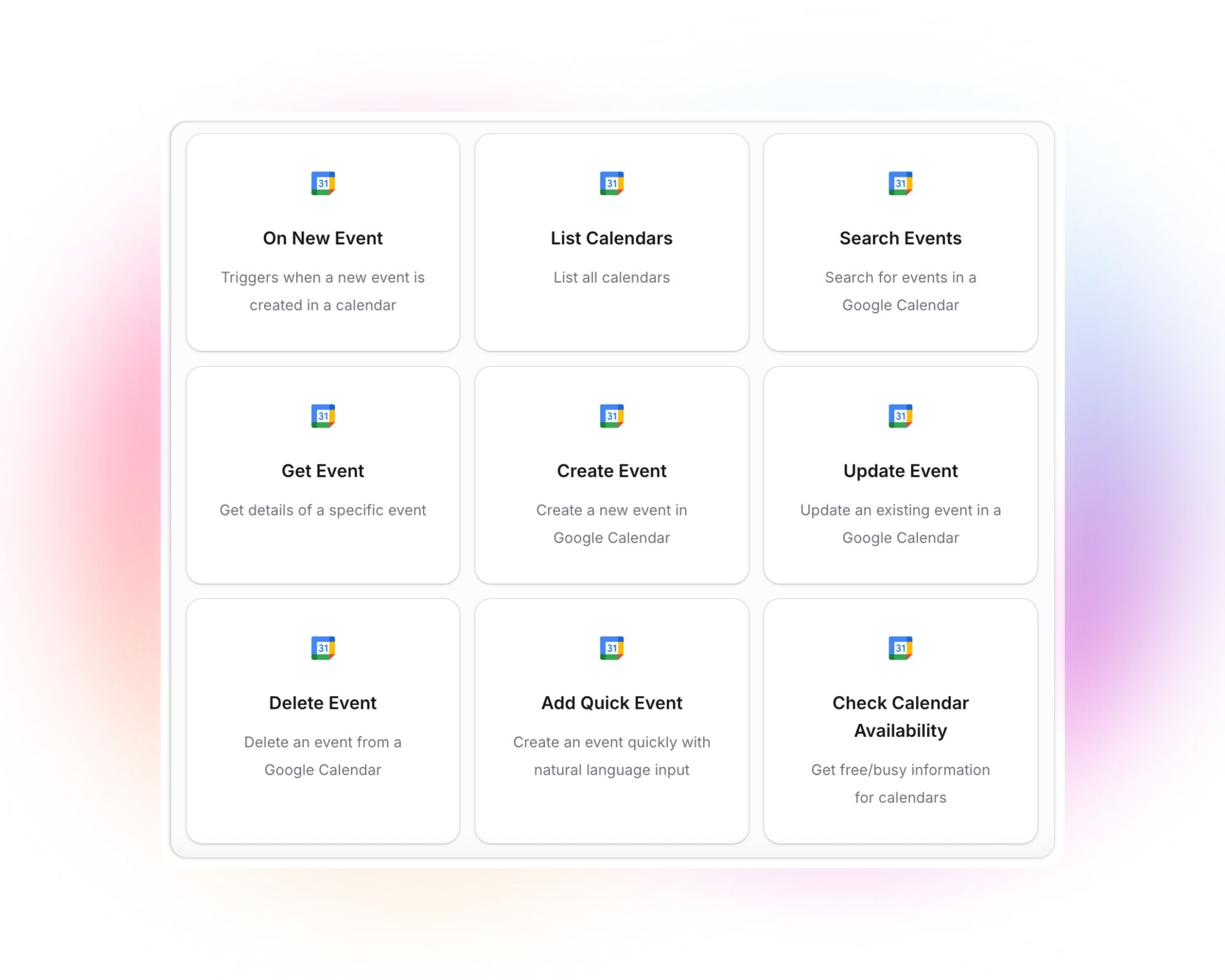
Find, Create, Update, and Delete Events: Schedule or change meetings and track all calendars, right from inbox or chat.
- Quick Add via Natural Language: “Book a meeting with Gigi Sunday at 10am”, done automatically.
- Check Calendar Availability: Avoid double-bookings.
- List and Manage Bookings, Users, Event Types: Full visibility and management across calendar tools and appointment categories.
Use Case: Sales, recruiting, and support teams can automate scheduling and sync diaries, saving hours weekly.
Email & Messaging Integrations
Supported: Gmail, Resend, WhatsApp, Slack, Telegram, Instagram
- Send Email (Gmail, Resend): Message leads, reply to tickets, or launch campaigns directly from workflows.
- Channel Messaging (Slack, Telegram): Send or respond to messages, trigger on replies.
Use Case: Automate personalized communications, update Slack with real-time alerts, or send crisis notifications via SMS.
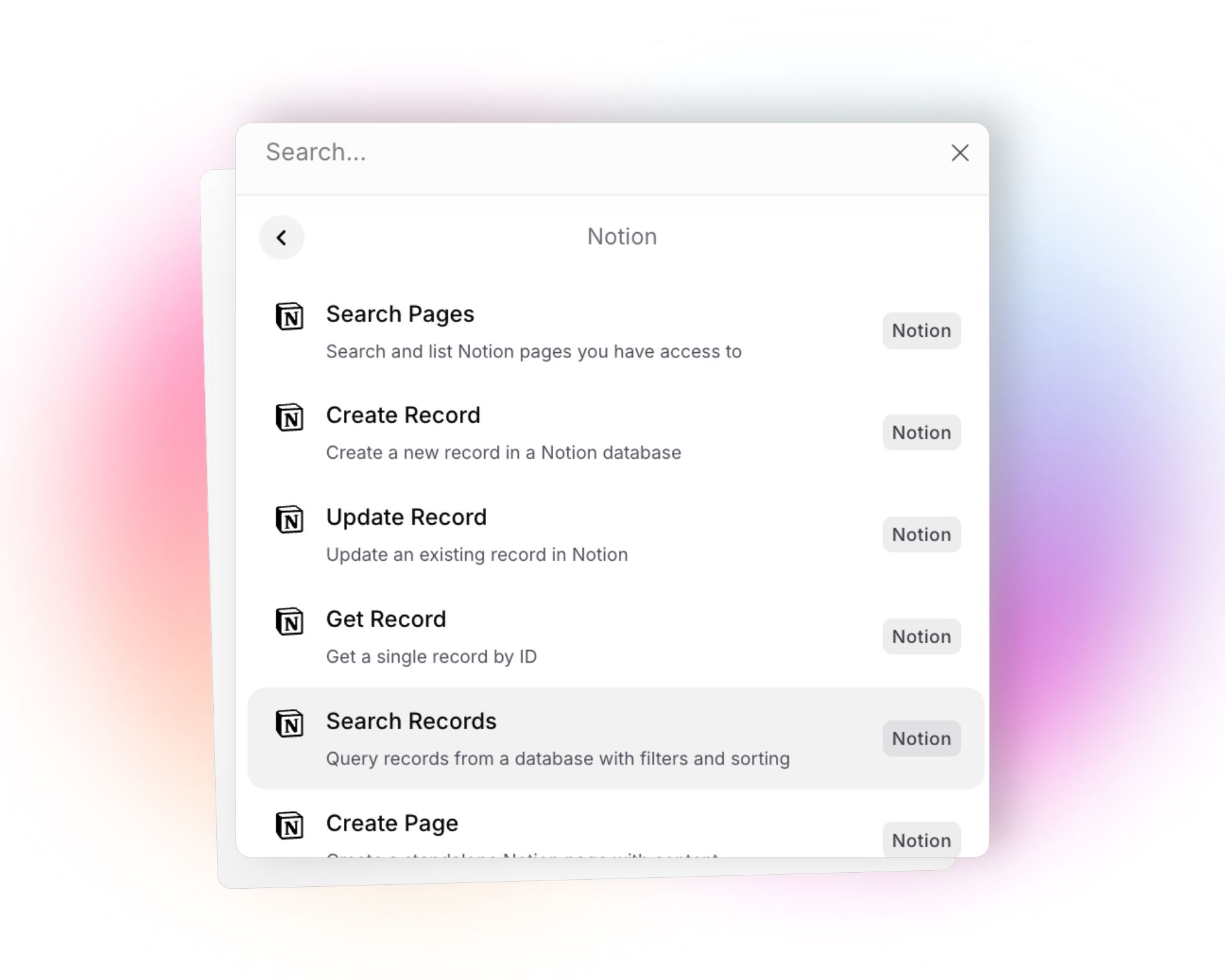
Airtable & Notion Integrations
Maintain a knowledge base, manage tasks, or sync records between tools, zero code required.
- Full Data CRUD: Create, update, get, delete, and search records (Airtable/Notion databases).
- Pages & Comments (Notion): Add content, create standalone knowledge cards, append blocks, or automate documentation.
HubSpot Integrations
Shortens response times and keeps CRM up-to-date:
- Manage CRM Data: Contacts, Companies, Deals, create, update, search, and retrieve info.
- Sales Enablement: Automate lead creation, sync new users from chat into CRM, and trigger deal stage moves.
Salesforce Integrations
Streamlines enterprise sales and support:
- Enterprise CRM Automation: Manage leads, contacts, accounts, and opportunities. Full CRUD and search capabilities.
- Pipeline Management: Sync deals, automate record updates, and surface key insights to agents instantly.
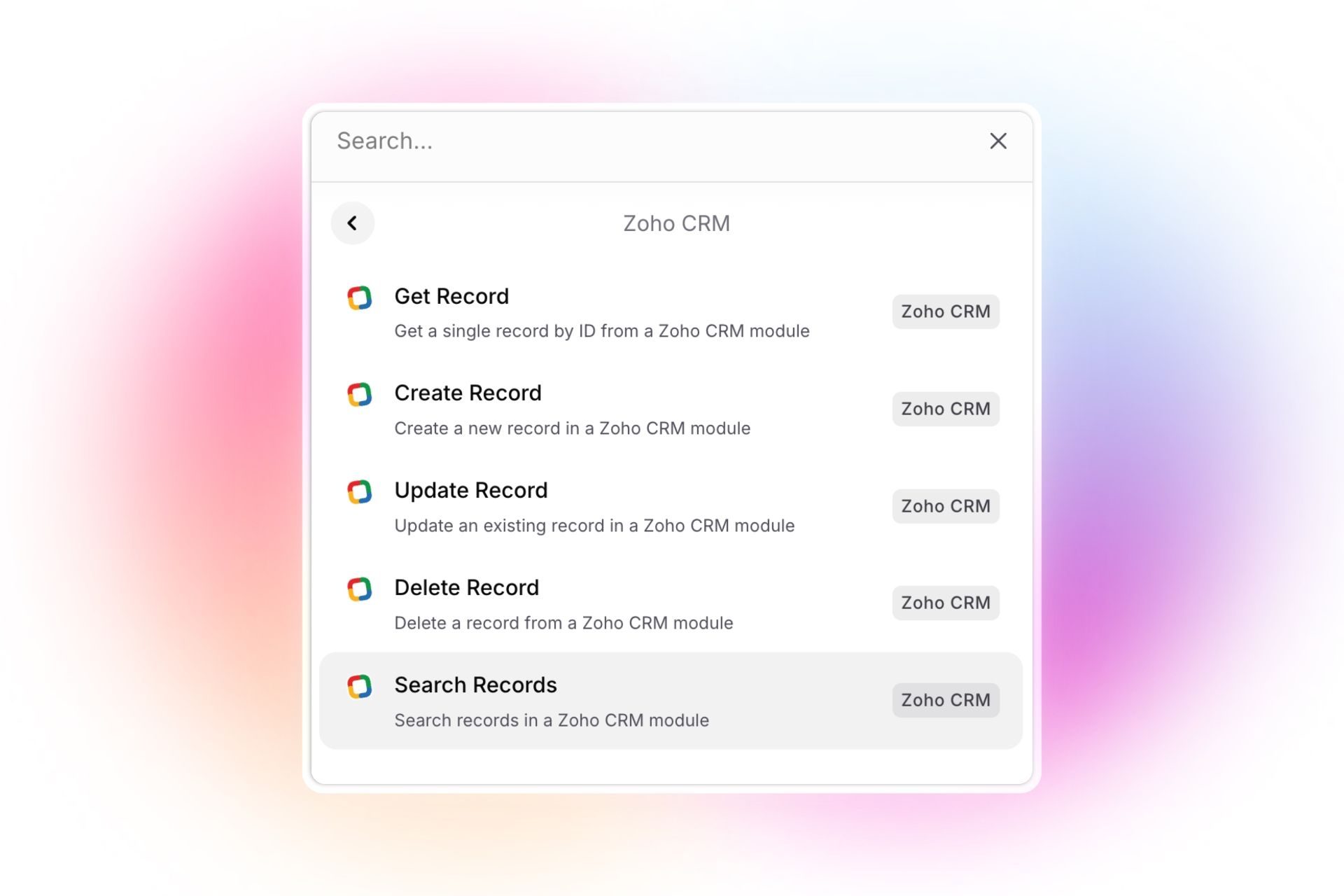
Zoho CRM Integrations
Automate customer onboarding or ticket escalation with minimal setup.
Flexible CRM Management: Create/update/search/delete records for sales, support, or marketing.
GoHighLevel Integrations
- Deep marketing automation: Manage contacts, pipelines, opportunities, bookings, and marketing campaigns.
- List/Add/Remove Tags: Hyper-personalize your outreach.
- Manage appointment calendars: Sales and service teams can book, reschedule, or track appointments without ever leaving chat.
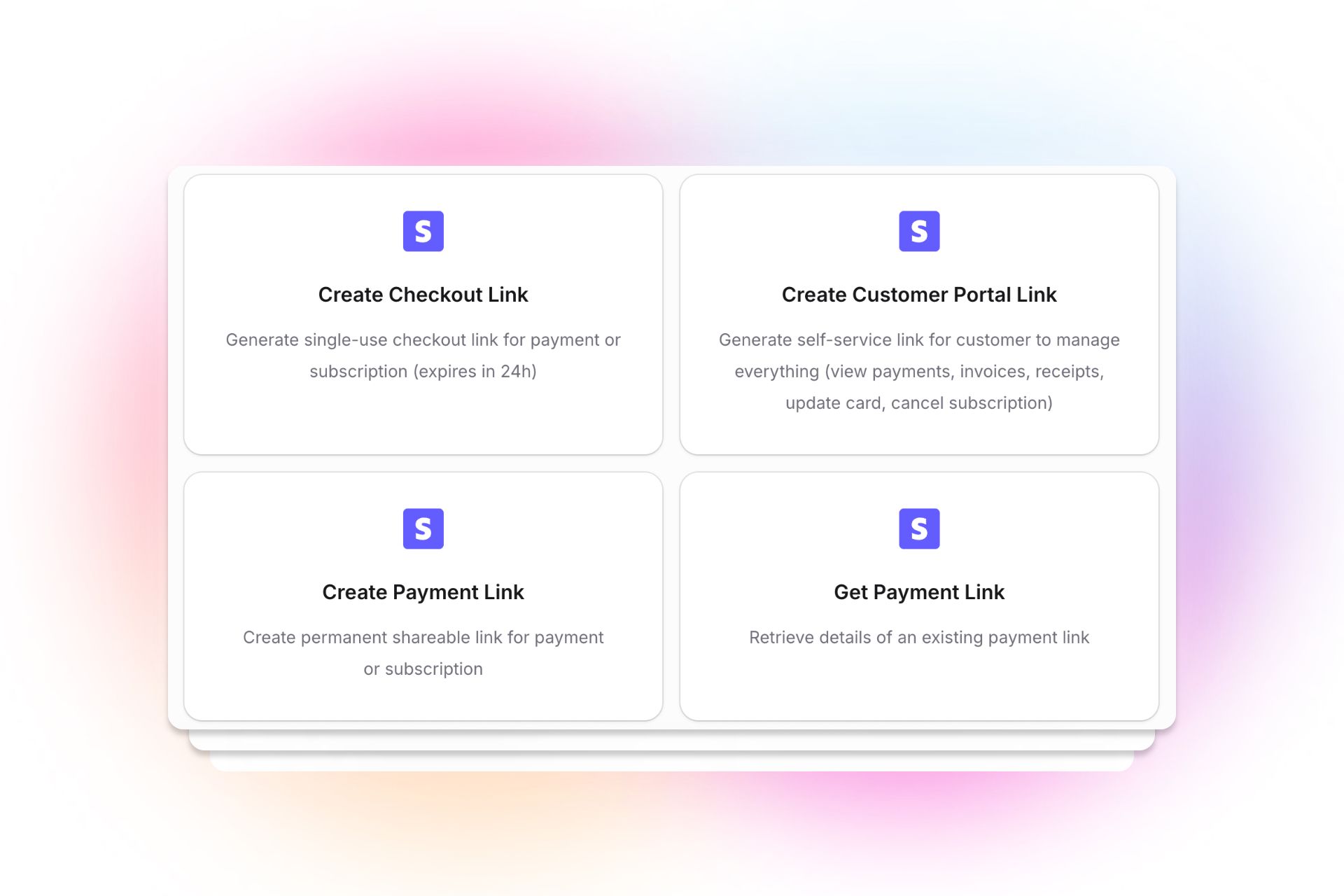
Stripe Integrations
- Payments & Subscription Management: Create, update, refund, or find customers, payments, subscriptions, invoices.
- Checkout & Portal Links: Instantly provide customers with secure payment links.
- Automate Finance: Send invoices, issue refunds, and keep records in sync, all in your flow.
See all available actions here.
Shopify Integrations
Integrated support and sales, no code or delays.
- Ecommerce Superpowers: Search, create, update products, manage orders and customers.
- Full Store Management: Sync store data, launch new products, review orders or assist customers instantly.
Why no-code AI integrations matter for teams in 2025
- Empower anyone on your team, not just developers, to build and iterate workflows.
- Free up people from repetitive “busywork,” and focus energy on value-adding tasks.
- Ensure real-time, bi-directional data flow between your favorite tools and communications.
- Instantly access relevant info from any source and tailor every customer/team interaction.
- Modern work is about connecting everything, intelligently and autonomously. With platforms like Invent, you can.
Frequently Asked Questions
What is a no-code AI integration?
It’s a way to connect your everyday business apps with an AI assistant, no programming or engineering required. Drag, drop, and go!
Can my team use these integrations if they’re not technical?
Yes, Invent and similar platforms are designed for real humans, not just IT teams.
Which integrations matter most for customer support?
CRM (HubSpot, Salesforce, Zoho), Email/SMS, Knowledge Management (Notion, Airtable), Calendar, and core API integrations win for flexibility.
Can I trigger multiple actions (like update a CRM and send an email) at once?
Yes, Invent lets you build multi-step workflows across different tools, triggered by conversation or automation.
Ready to unlock the power of no-code AI integrations?
With Invent, you can seamlessly connect all these powerful integrations to the channels your users already love, like Instagram (public profiles), WhatsApp Business, Gmail, Slack, or Telegram. This means your AI assistants and Chatbots can communicate where your audience is most active, creating smoother, more personalized experiences.
The future of business is conversational: empower your team to meet users directly in their favorite messaging apps and social channels, delivering support, updates, and engagement in real time, right inside the platforms they use every day. No more channel-switching or missed messages, just smarter, faster, and more natural conversations.
Explore the full list of Invent integrations, and see how you can automate, personalize, and supercharge your team’s workflows today.